

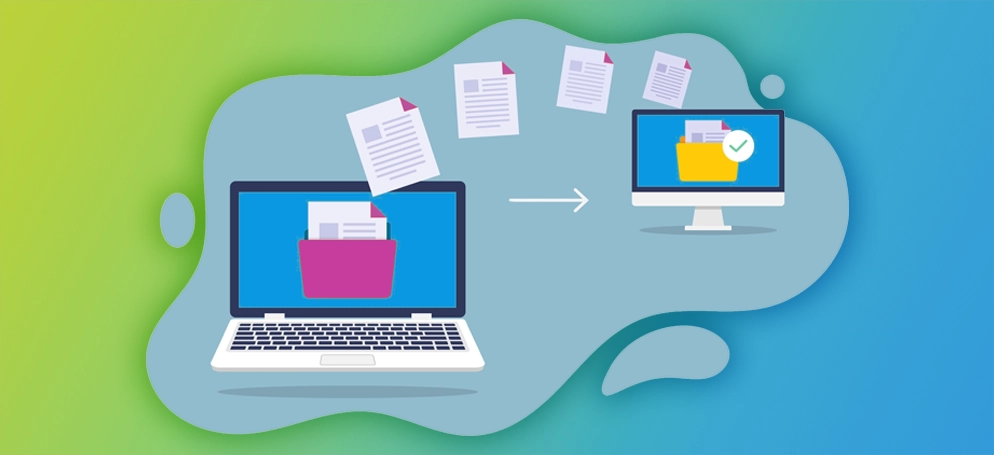
With Weebly officially winding down operations across 67 countries—including Pakistan—by September 2026, site owners must relocate their websites, custom domains, and content before their accounts are closed. Migrating your site from Weebly’s hosted builder to a flexible cPanel Web Hosting platform (like WordPress or custom HTML) gives you complete ownership, better performance, and zero risk of platform shutdown.
At Cheaphosting.pk, we provide fast, secure, and affordable cPanel hosting solutions with free website migration assistance to ensure your site stays online without losing traffic or search engine rankings.
Critical Weebly Shutdown Timeline
- June 29, 2026: Publishing new pages is frozen.
- September 27, 2026: Weebly sites in affected countries are unpublished and go offline.
- December 26, 2026: Weebly accounts and stored data will be permanently deleted.
Step 1: Download Your Weebly Site Backup & Data
Before making any changes, retrieve a complete copy of your website files and media.
- Log into your Weebly Dashboard and go to Account Settings > My Data > Download My Data.
- Alternatively, open your website editor, go to Settings > General, scroll down to the Archive section, enter your email address, and click Email Archive.
- Download the ZIP file sent to your inbox. This contains your HTML files, CSS, images, and static assets.
Step 2: Unlock and Transfer Your Custom Domain
If your domain name was purchased directly through Weebly/Square, move it to a standard domain registrar to prevent losing control of your website address.
- Log into Weebly, navigate to Domains, and select your custom domain name.
- Disable Registrant Privacy / WHOIS Protection and disable the Domain Lock.
- Click Get EPP Auth Code (Authorization Code) and copy it.
- Go to Cheaphosting.pk, choose Domain Transfer, enter your domain, and input the auth code to initiate the transfer.
Step 3: Set Up Your cPanel Hosting Account
Select a reliable cPanel hosting plan tailored to your website’s requirements.
- Sign up for a Shared cPanel Hosting or WordPress Hosting plan at Cheaphosting.pk.
- Once activated, log into your cPanel dashboard using the credentials provided in your welcome email.
- Use cPanel’s WordPress Toolkit or Softaculous Apps Installer to install WordPress in one click (recommended for easily recreating your site layout and managing future content).
Step 4: Rebuild or Upload Your Content to cPanel
Option A: Migrating to WordPress (Recommended)
Since Weebly exports raw static files rather than a direct database file, converting to WordPress is the best long-term strategy for blogs, businesses, and e-commerce stores:
- Install a clean WordPress theme (such as Astra or GeneratePress) or build custom pages using Elementor.
- Copy over your page text and re-upload your images from the downloaded Weebly archive into the WordPress Media Library.
- Re-create your site’s menu structure under Appearance > Menus.
Option B: Hosting as Static HTML (Fastest Setup)
If you want to keep your exact existing Weebly HTML layout without installing a CMS:
- Extract your Weebly site archive ZIP file on your computer.
- Log into cPanel and open File Manager.
- Open the
public_htmldirectory and click Upload to upload your site files and assets directly.
Step 5: Update Nameservers & Install Free SSL
To make your new cPanel hosted site live to the world:
- Update your domain’s Nameservers at your domain registrar to point to Cheaphosting.pk:
ns1.cheaphosting.pkns2.cheaphosting.pk
- Once DNS propagation finishes (typically within a few hours), log into cPanel and run AutoSSL or install a Free Let’s Encrypt SSL Certificate under the SSL/TLS Status section to keep your site secure (
https://).
Why Migrate to Cheaphosting.pk?
- Full Ownership & Control: No proprietary platform lock-in—you own 100% of your code, databases, and assets.
- NVMe SSD Performance: Faster site loading speeds compared to shared builder infrastructure.
- cPanel Control Panel: Industry-standard interface featuring file managers, one-click app installers, email accounts, and database administration.
- Free Migration Support: Our technical team will assist you in moving your domain, files, and email accounts seamlessly before the Weebly shutdown deadline.
Conclusion
Weebly’s operational exit from Pakistan and 66 other markets makes migrating your site an urgent priority. By moving your website to cPanel hosting with Cheaphosting.pk, you gain full independence, improved performance, and peace of mind knowing your site is protected. Don’t wait until your site goes dark—secure your cPanel hosting today!